
Can't Log In?
To access your account for the first time, you must log in to your SJC email account using your San Juan College email address and default password. This will allow you to set up your security questions and Multi-factor Authentication (MFA) methods that enable account recovery options. Be sure to reset your default password after your initial password setup.
Explore IT Help and Resources
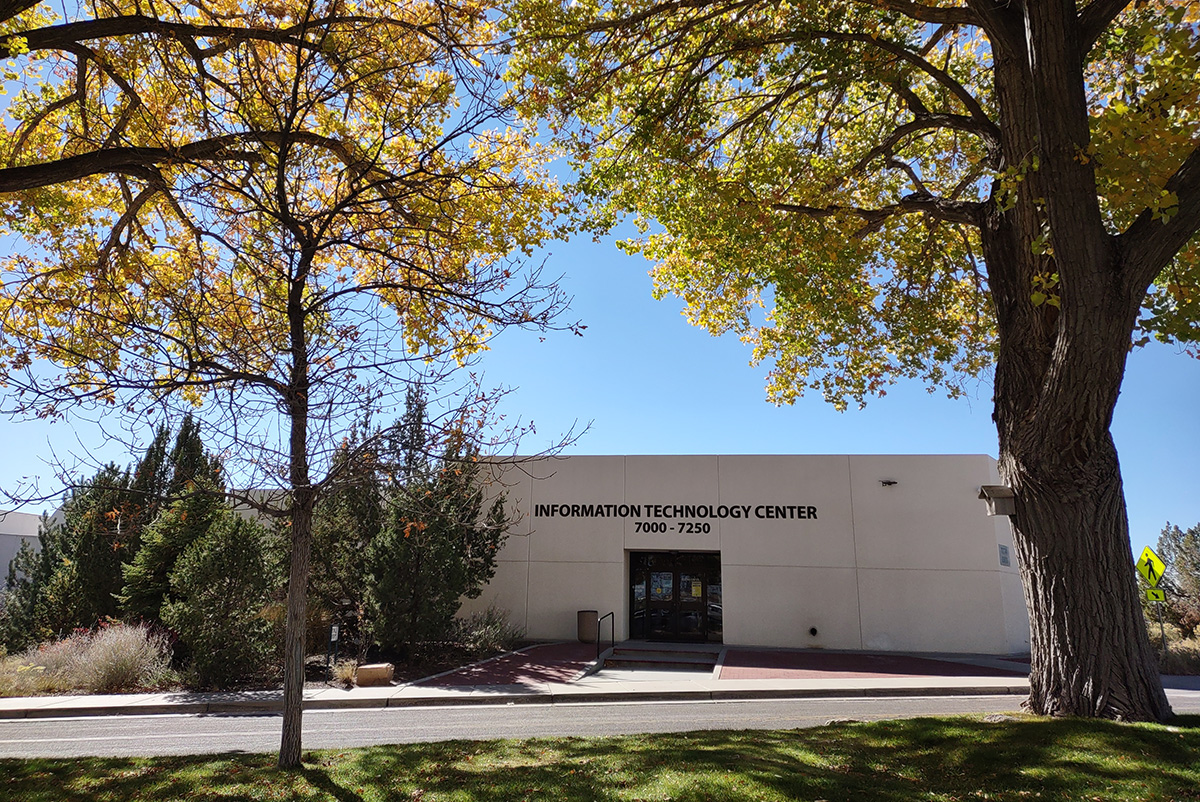
The SJC Information Technology Center (ITC) offers a number of technology resources designed to help students, employees, and community members. Explore the options below, or contact the Help Desk.

Get Help from a Technology Coach
Need a little help navigating your classes or tech tools? San Juan College Technology Coaches are here to help — and their services are free for all SJC students!
Our coaches can guide you through:
- Navigating Canvas and MySJC
- Downloading your free Microsoft Office software
- Guidance on navigating Panopto for videos
- Setting up a loaner laptop
- Creating your student email account
- Registering for classes through Self-Service
- Building your computer skills and learning software basics
- Finding a quiet place to study — we even have study rooms!
Connect with a Technology Coach
You can reach a coach in the way that works best for you:
In Person – Room 1611M (Tutoring Center)
Monday: 8:00 a.m. – 4:00 p.m.
Tuesday: 8:00 a.m. – 4:00 p.m.
Wednesday: 8:00 a.m. – 3:00 p.m.
Thursday: 8:00 a.m. – 2:00 p.m.
By Email: techcoach@sanjuancollege.edu
By Phone: (505)566-3587 OR (505)566-3283
Need more help? Contact San Juan College Technical Support
For the fastest response from the Information Technology Center, please submit a ticket. If you are unable to log in, you can call the Help Desk at (505)566-3266.